
When most business owners think about their website, they think about how it looks. Colors, fonts, layout, maybe a slick animation or two. What often gets overlooked is a simple question: can everyone actually use it?
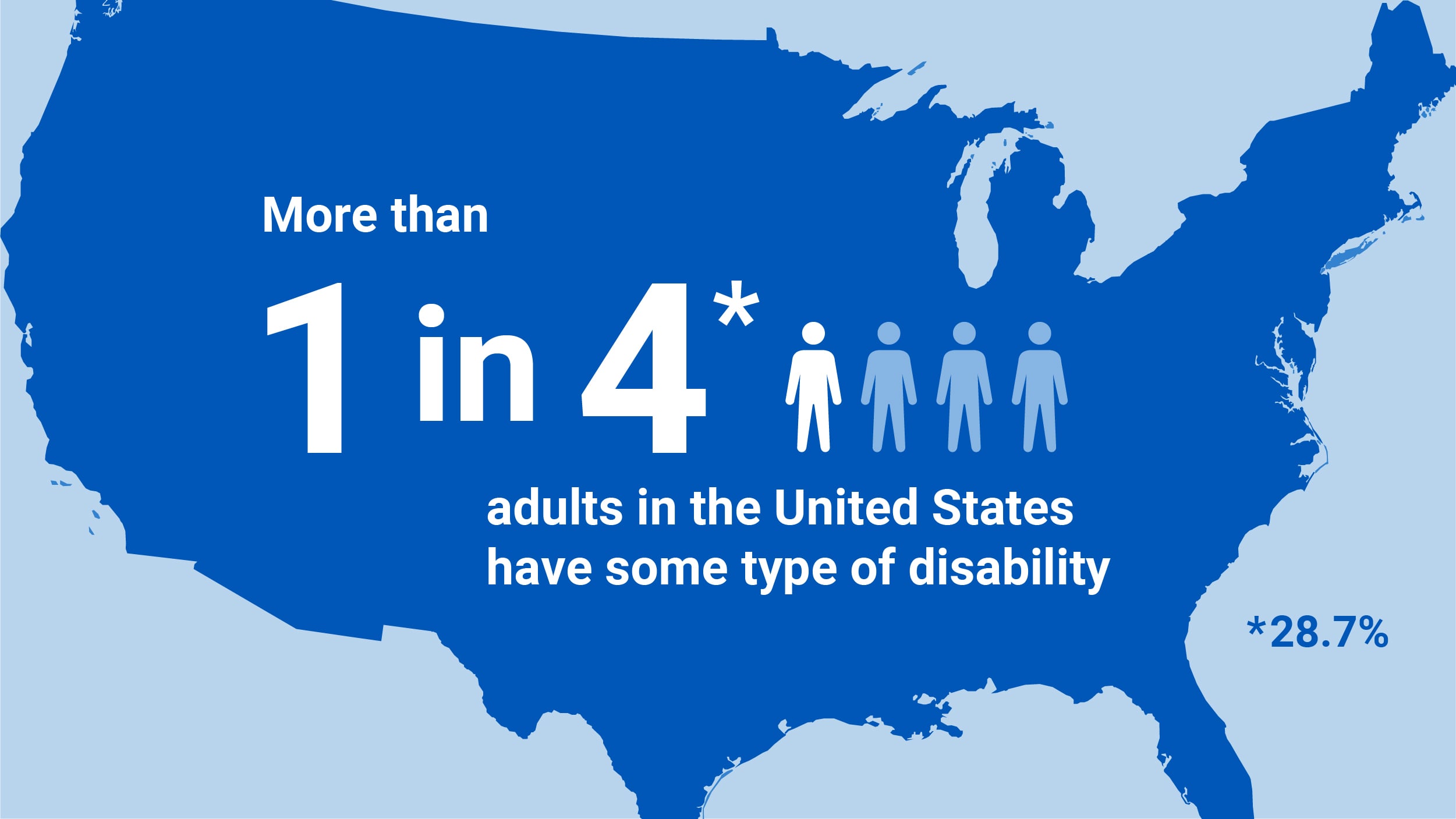
According to the CDC, roughly 1 in 4 U.S. adults lives with some type of disability, visual, auditory, motor, or cognitive. That’s a massive segment of potential customers. If your website isn’t built with accessibility in mind, you’re not just being exclusionary, you’re leaving real revenue on the table.
What “Accessible” Actually Means
Web accessibility means designing and building a site so people with disabilities can perceive, navigate, and interact with it. In practice, that includes things like:
- Alt text on images, so screen readers can describe visuals to users who are blind or low-vision.
- Sufficient color contrast, so text is readable for people with low vision or color blindness.
- Keyboard navigation, for users who can’t use a mouse.
- Descriptive link text, instead of vague phrases like “click here” that mean nothing out of context.
- Captioned video content, for users who are deaf or hard of hearing.
- Clear, consistent layout, which helps users with cognitive disabilities process information without confusion.
It’s Not Just the Right Thing to Do, It’s Smart Business
Beyond the ethical case (which is reason enough), there are very practical business reasons to prioritize accessibility:
- Bigger market reach. People with disabilities and their families represent significant spending power. A site they can’t use is a sale you don’t get.
- Better SEO and AEO. Many accessibility best practices, like alt text, clear headers, and structured content, are the exact same things search engines and AI tools reward. Accessibility and discoverability go hand in hand.
- Legal protection. Website accessibility lawsuits under the ADA have increased dramatically in recent years, and small businesses are not immune. An accessible site reduces legal risk.
- Better experience for everyone. Captions help someone watching a video on mute in a waiting room. High contrast helps someone browsing on their phone in bright sunlight. Accessible design tends to just be better design, full stop.
Common Accessibility Mistakes We See
- Text with low contrast that looks “on brand” but is genuinely hard to read
- Forms with no labels, so screen readers can’t tell users what to enter
- Buttons and links that only make sense visually (“read more” with no context)
- Videos with no captions or transcripts
- Sites that break entirely when navigated by keyboard alone
Where to Start
You don’t have to overhaul your entire site overnight. Start with an accessibility audit to identify the highest-impact fixes, usually things like contrast, alt text, and navigation structure. From there, build accessibility into your process going forward, so every new page or update meets the bar automatically.
An accessible website isn’t a checkbox or a legal hedge. It’s an open door to more customers, better search visibility, and a better experience for absolutely everyone who visits your site.